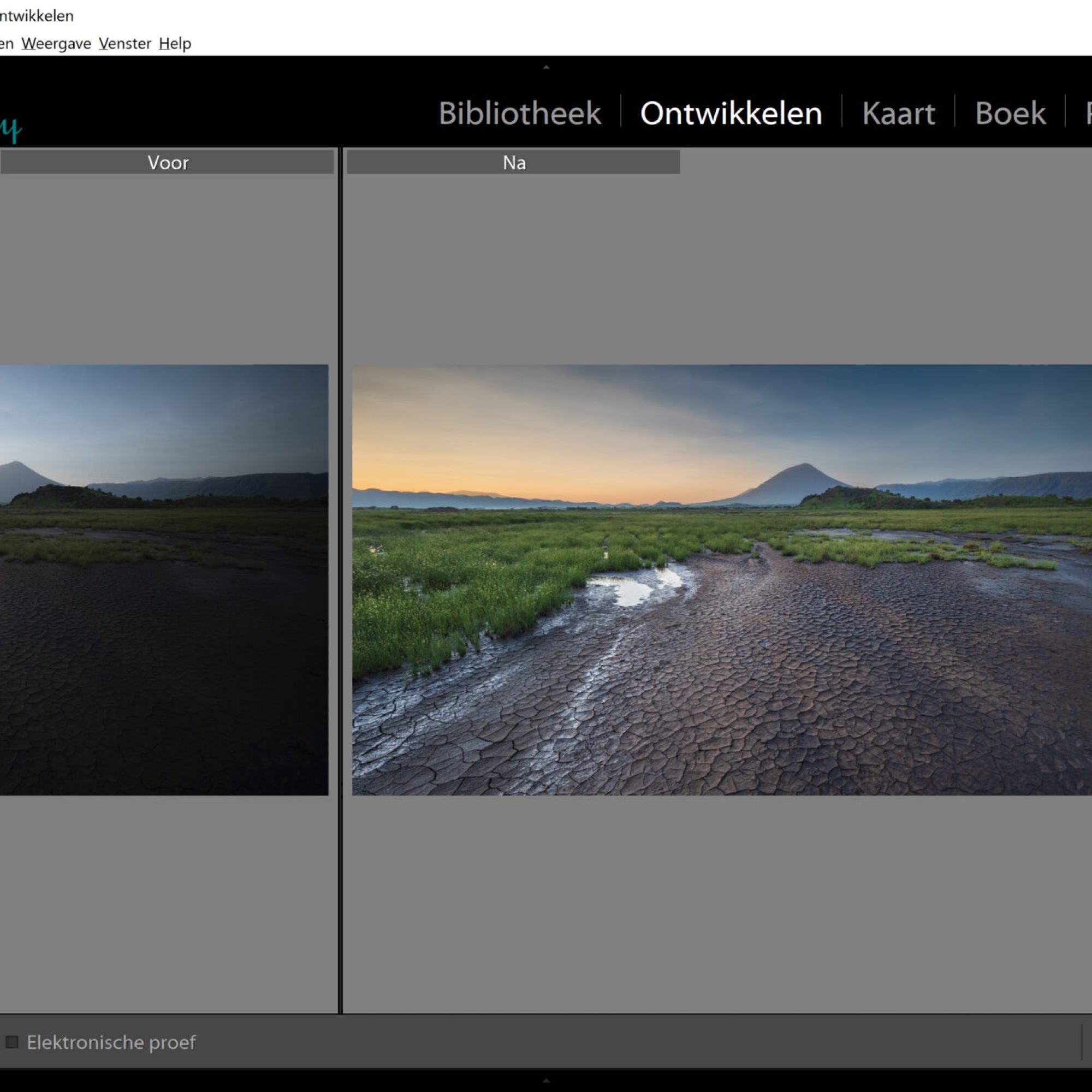
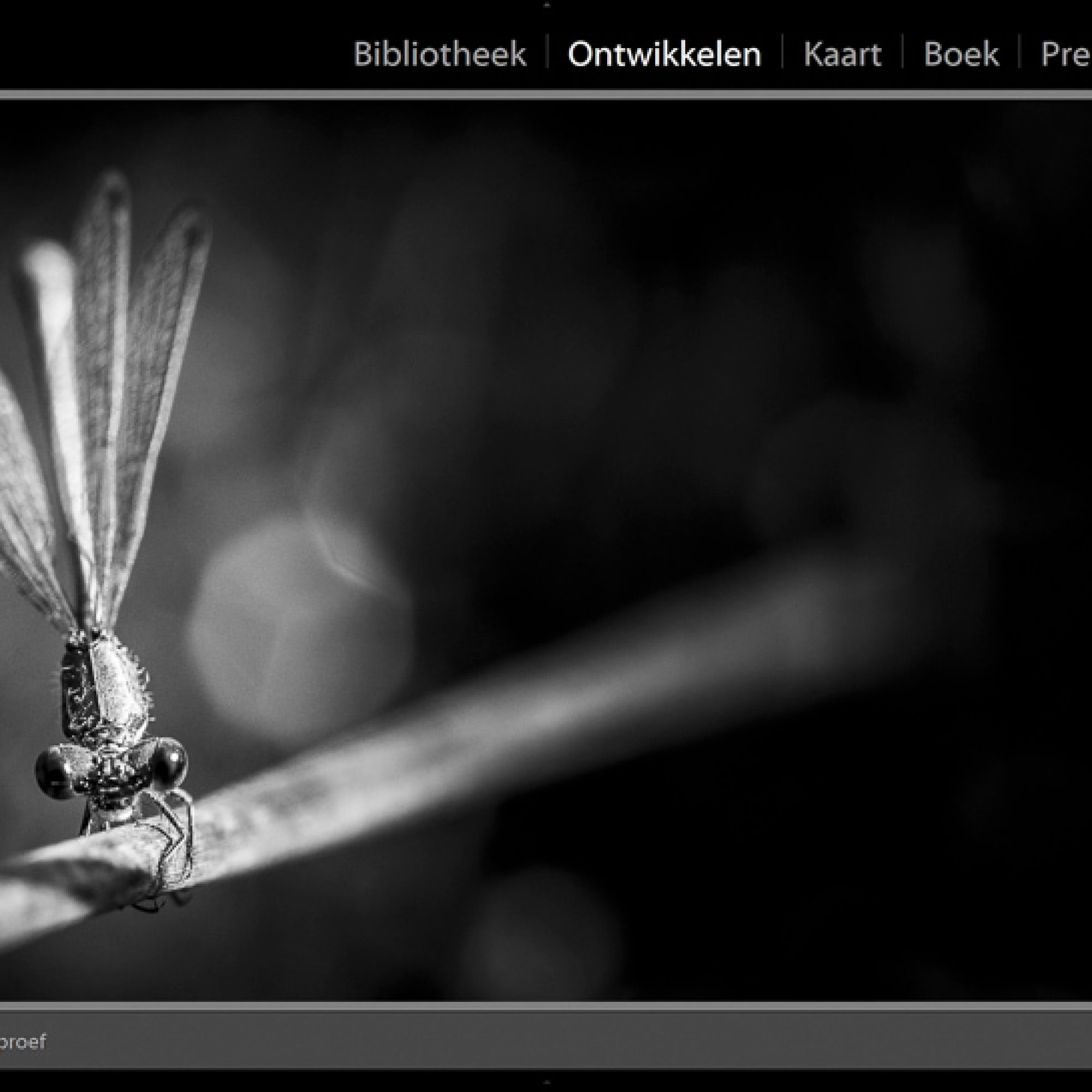
Nowadays it’s impossible not to edit your photos, but it can take up a lot of your time. Especially when you’ve shot more than 100 photos. A sparkling photo that pops out of your screen, we all love it. Editing is a big part of this.
How does Lightroom work? How does Photoshop AI work and is it for me? How do I create a catalogue? How do I get a quick but qualitative workflow? How do I learn the tricks of the program? You’ll get an answer to all your questions. In this workshop we will use Lightroom Classis & Photoshop from Adobe.
For whom is this course Lightroom & Photoshop suited? And where do you start?
 This workshop will be given physically, spread over 3 days. Expect a lot of personal guidance and support throughout the course.
Module 1: In this workshop you’ll discover the best way to import and organize. For a clear ‘Lightroom life’ it is important to correctly create a catalogue. It’s not as simple as you might think. You’ll learn about it in this workshop.
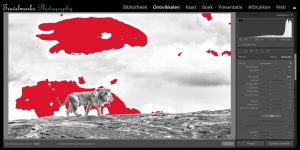
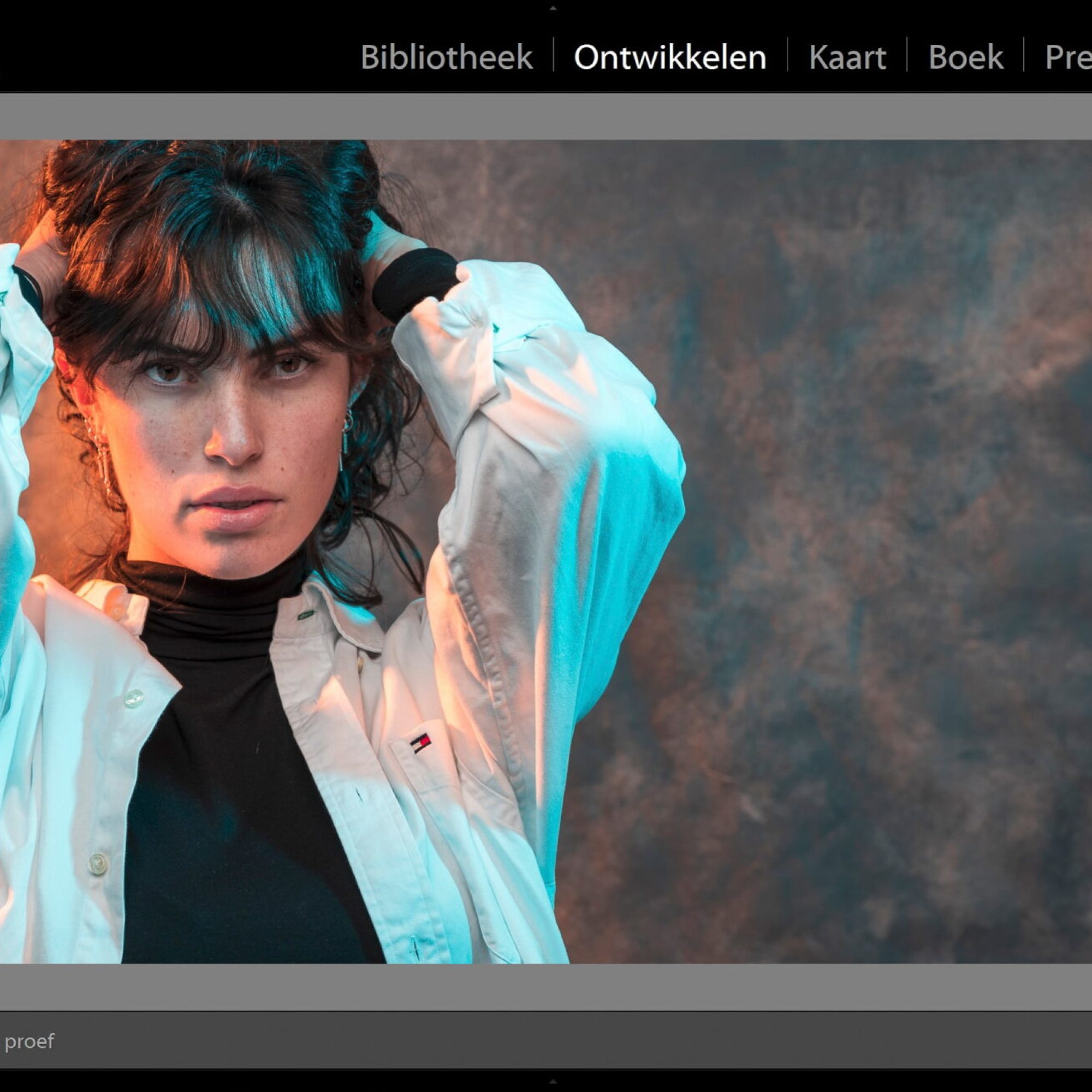
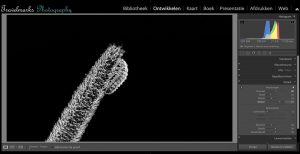
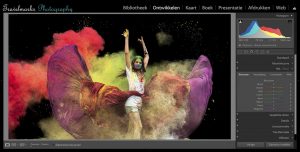
Module 2: During this workshop we start with image editing. Lightroom is the best image editing program for photographers. You want to get to know this program in the best way possible. You will learn about an arrange of tools in Lightroom, but most of all, you will learn to use them. You want sparkling photos popping of your screen, that’s what you’re about to learn.
 Module 3: We dive deeper into the tools and you’ll get more tips & tricks for creative editing. You want to make optimum use of Lightroom, that’s what you’ll learn in this workshop. We also dive into Photoshop and you learn useful applications for photographers. Ofcourse, we also look at the latest trend AI.
Module 4: Now that you've learned the tools, we're going to work on perhaps the most important part: creating your own style! This is probably the most fun part of the course, as your images will really come to life and you'll learn what your own style actually entails.
If you’re interested in another workshop, please have a look here. Or maybe you’re more into photography tours? Then check out our photo trips and tours. Or read about various news items and Photography tips.
Till clicks!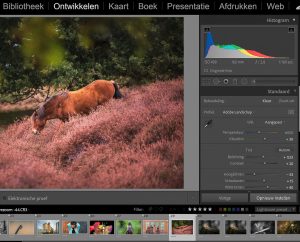
Guidance:
As an experienced world traveller and professional photographer, I am driven by passion, professionalism and enthusiasm to help you improve your photography and guide you through photo editing in Lightroom. Photography and post-processing go hand in hand these days. The final result is largely determined by the quality of your editing.
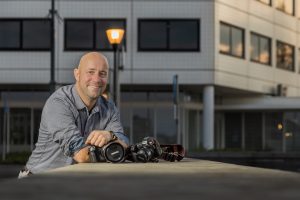 I’ll gladly guide you through Lightroom, the image editing program from Adobe for photographers. I’m a huge advocate of personal contact, I greatly appreciate service and quality. You don’t get video recordings, but personal contact. Questions can be asked on the spot, during but also after the course.
Till clicks!
I’ll gladly guide you through Lightroom, the image editing program from Adobe for photographers. I’m a huge advocate of personal contact, I greatly appreciate service and quality. You don’t get video recordings, but personal contact. Questions can be asked on the spot, during but also after the course.
Till clicks!
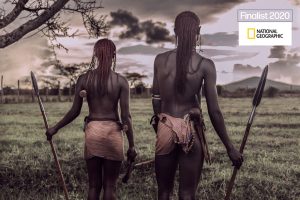
Lightroom: everything you need to know to give your photos a personal style!
Including the newest trend Photoshop AI!
Three days full of information, tips & tricks: €699,-
Module 1: Import and organize
- Saturday 13 March 2027
- Time: 11am until 5pm
Included:
- Correctly importing your images
- Creating one catalogue for a streamlined ‘Lightroom life’
- Making collections, collection sets and smart collections
- Creating and adding your metadata to your photos
- Export with your own watermark and with an eye to online findability
Module 2: Editing in Lightroom Classic & Photoshop
- Saturday 3 April 2027
- 11:00 am – 5:00 pm
 Included:
- Lighting, colors and white balance
- How to work with AI masks
- Using the color curve
- Working with HSL / color
- Working with split colors
- Contrast, light and dark areas
- Photo cutting, reducing noise, adjusting details and lens corrections
- Black and white photos and working with presets
- Learning how to edit with masks
- Handy photoshop applications for photographers
- Learn to work with the latest trend Photoshop AI
Module 3 & 4: Creating your own style
- Saturday 24 April 2027
- Time: 11am until 5pm
Included:
- Feedback
- Creating your own style
- Inspirational Lightroom editing